Using the Management UI
This guide introduces the Management UI of EventSourcingDB. The UI provides a convenient way to monitor the system state and query events without writing code.
Overview#
The Management UI consists of two main views:
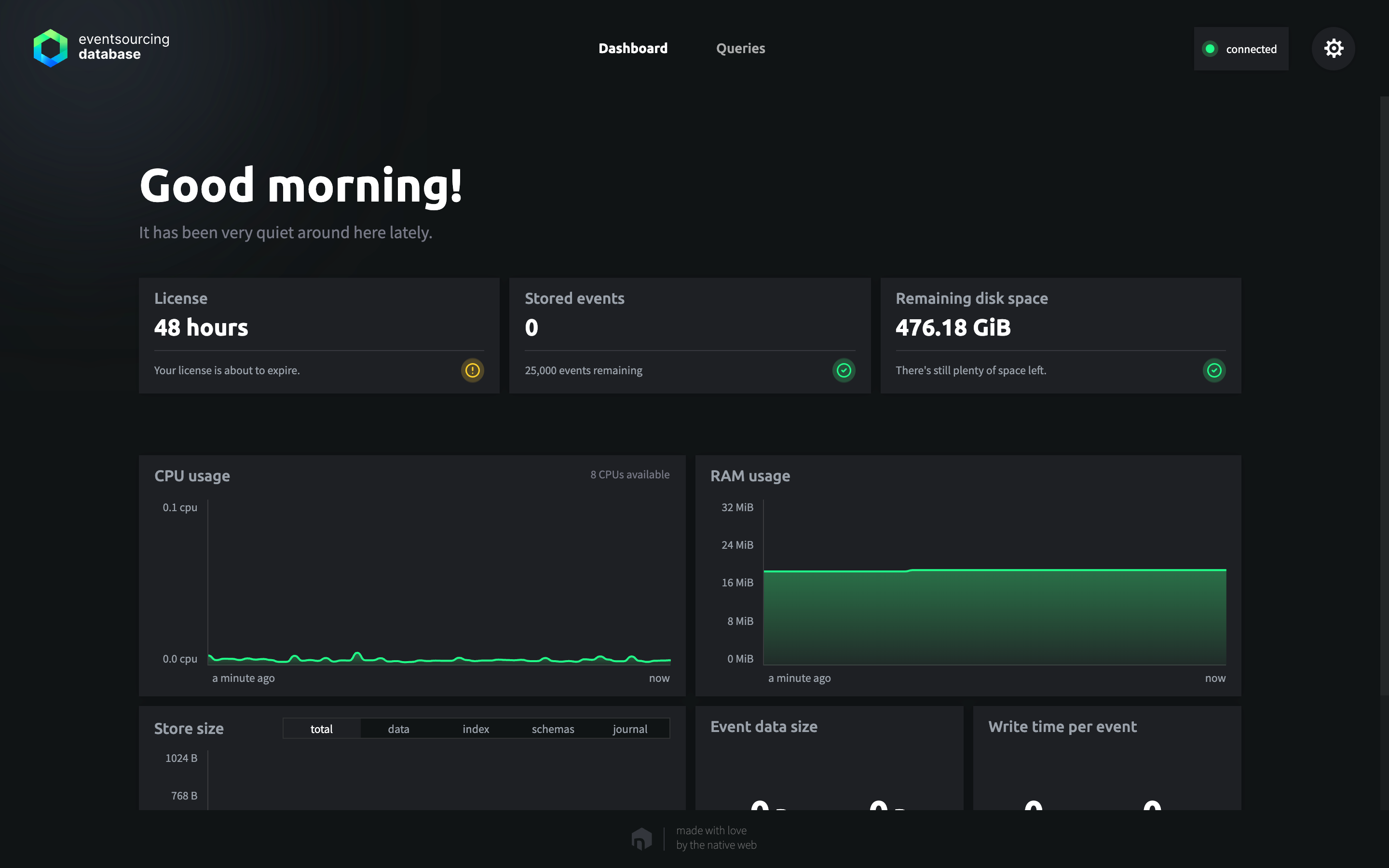
- Changed in 1.3A Dashboard that displays the current system health, including event counts, license usage, available disk space, memory usage, and other operational metrics.
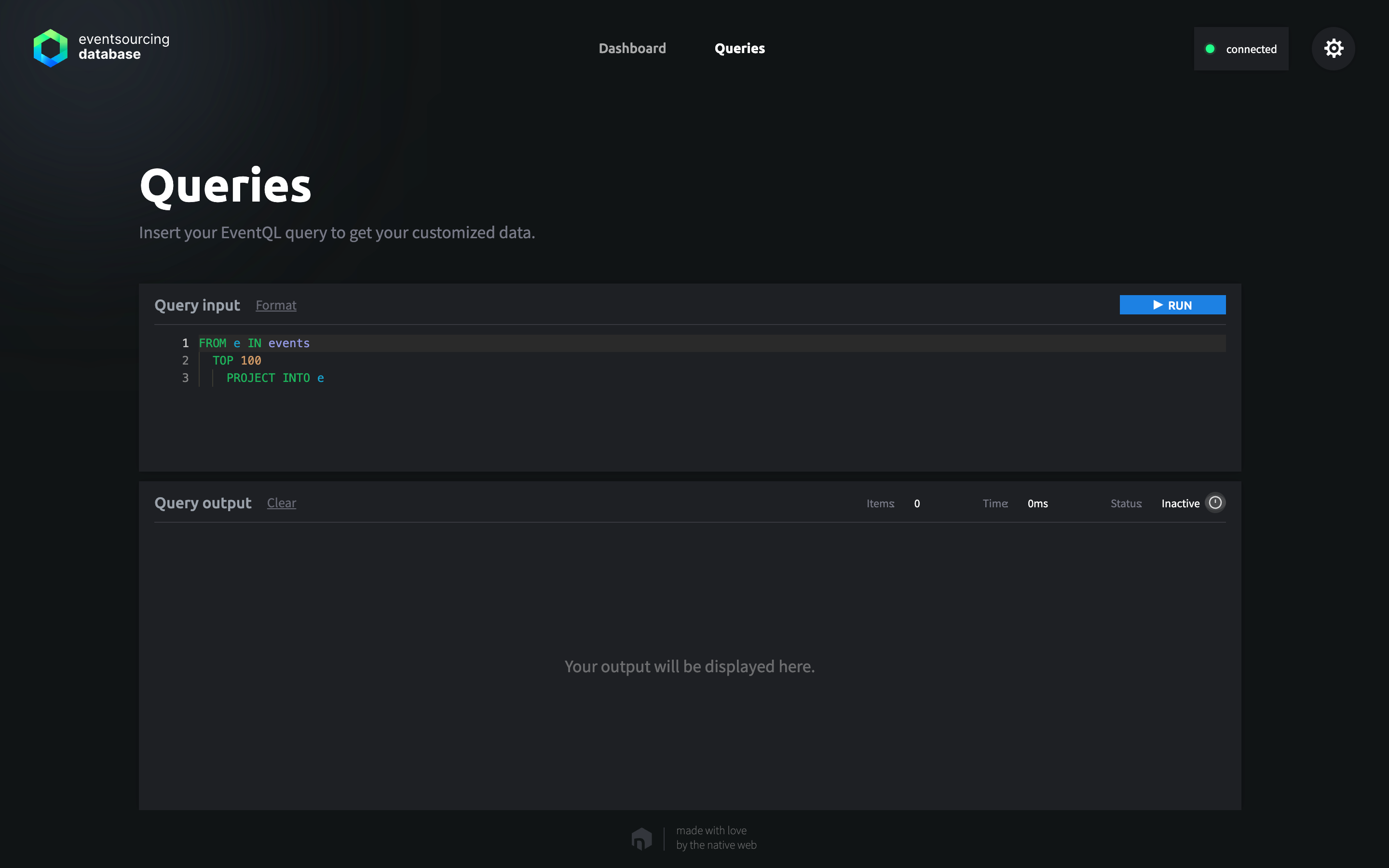
- An EventQL Query Editor that allows you to write and execute EventQL queries with a familiar developer experience, including syntax highlighting, auto-completion, error checking, and real-time feedback.
Removed in 1.3Additionally, the Query Editor can integrate EventAI, an AI-based assistant that helps you design EventQL queries through natural language conversations.
Accessing the Management UI#
Changed in 1.3The Management UI is available only when EventSourcingDB is started with the --with-ui CLI flag. Authentication is required to access the UI: simply provide the API token configured for the database.
Security Notice
The Management UI is intended only for development and debugging purposes. It should never be exposed to the public internet.
Using EventAIRemoved in 1.3#
To use EventAI inside the EventQL editor, you must configure an external language model. Only GPT-4o from OpenAI is supported, with the model identifier openai-gpt-4o.
EventAI is disabled by default. It requires both the --ai-model and the --ai-option CLI flags when starting EventSourcingDB, the latter with your OpenAI API token in the form token=<OPENAI_API_TOKEN>. For example:
docker run -it -p 3000:3000 \
  thenativeweb/eventsourcingdb:1.2.0 run \
  --api-token=secret \
  --data-directory-temporary \
  --http-enabled \
  --https-enabled=false \
  --with-ui \
  --ai-model openai-gpt-4o \
  --ai-option token=<OPENAI_API_TOKEN>
Once it is configured, EventAI appears as a panel in the EventQL editor. Describe in natural language what you want to query, and EventAI generates an EventQL query from your prompt and the registered event schemas and puts it into the editor, where you can review and run it. It keeps the conversation of your session, so that you can refine a query step by step, and it checks the queries it generates and tries to fix invalid ones.
External Service and Costs
EventAI uses the OpenAI API, which is a paid service: each query you generate incurs costs. Additionally, your event schemas, your prompts, and the queries of the conversation are sent to OpenAI's servers. The events themselves are not.
Dashboard View#
Changed in 1.3The dashboard provides a visual overview of the database status. It aggregates information available from the health endpoint and presents it in an easy-to-read format.
For additional details, see Logging and Monitoring.
EventQL View#
The EventQL editor enables you to write and execute queries directly against the event store.
For more information, see Running EventQL Queries.